
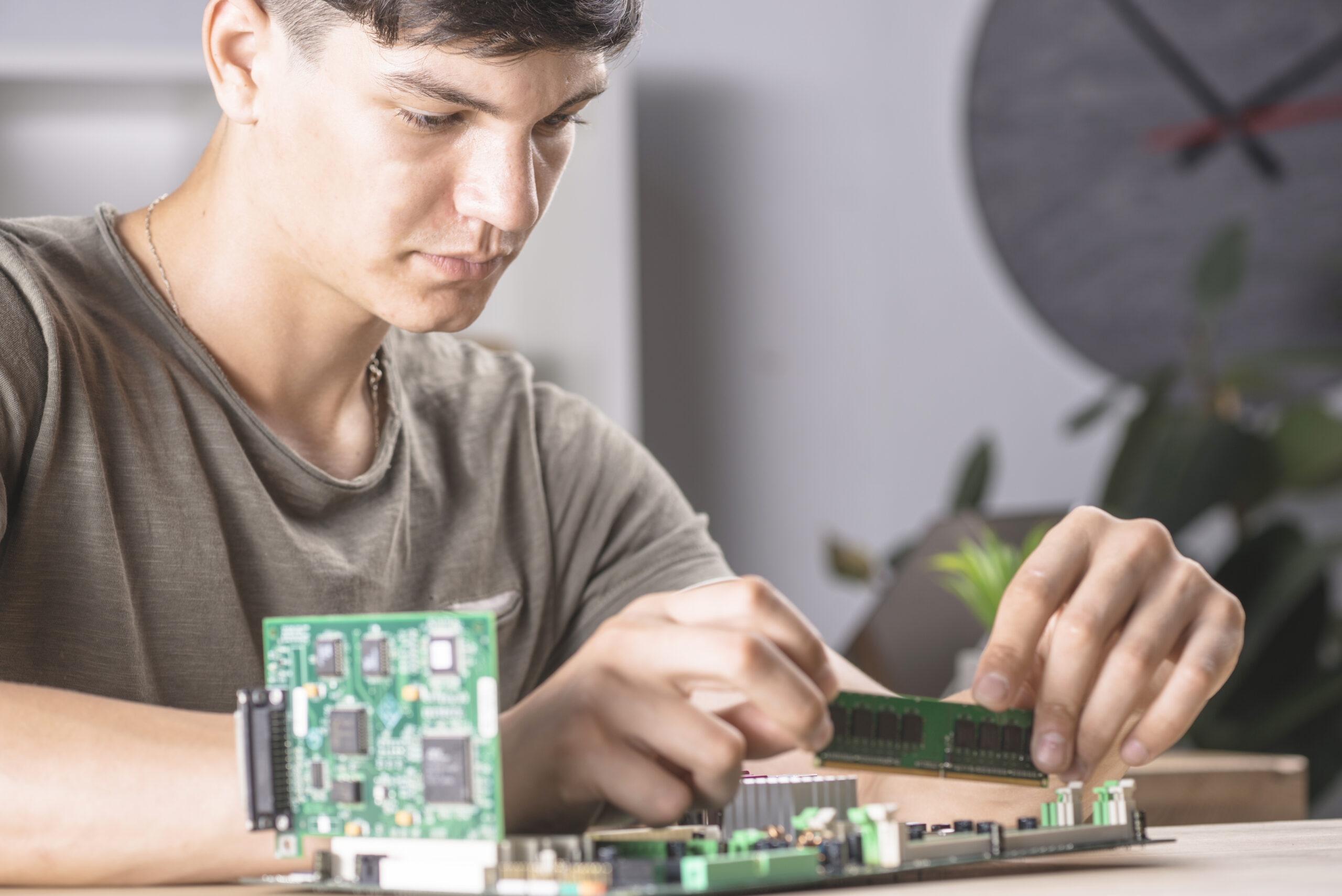
The Raspberry Pi is not just a credit-card-sized computer. It is a platform that puts serious computing power into your hands for a fraction of what a desktop costs, and it runs on a power supply you can fit in your pocket.
Raspberry Pi projects span a wider range than almost any other maker platform. You can use one to run a media center, build a security camera, automate your home, or create a fully functional retro gaming console. The same board powers all of those things.
This guide covers 14 projects across three skill levels, with notes on what each one teaches and what you need to get started.
What Makes Raspberry Pi Different from Arduino
Before jumping in, it is worth understanding where Raspberry Pi and Arduino projects overlap and where they diverge.
Arduino is a microcontroller. It runs a single program, manages inputs and outputs in real time, and does its job without an operating system. That makes it ideal for precise timing tasks and simple control loops.
Raspberry Pi is a full computer. It runs Linux, supports multiple processes, connects to the internet natively, and handles complex tasks like video processing, machine learning inference, and running web servers. When your diy electronics projects need real computing power, that is when you reach for a Pi instead of a microcontroller.
The two platforms work together well. Many builds use a Raspberry Pi as the brains and an Arduino (or a PIC microcontroller) for real-time hardware control, with the two communicating over USB or serial. Understanding both opens up a much wider range of embedded systems projects.
What You Need Before You Start
Every project on this list assumes you have a working Raspberry Pi setup: a Pi board (3B+, 4, or 5 all work well), a microSD card with Raspberry Pi OS installed, a power supply, and either a monitor and keyboard or SSH access from another computer.
Many projects also use the GPIO pins along the edge of the board. These work similarly to Arduino pins but handle 3.3V logic rather than 5V, so keep that in mind when wiring components. Knowing how to use a breadboard is essential here, as most GPIO projects involve external components connected through a breadboard and jumper wires.
Beginner Raspberry Pi Projects
These projects are achievable on your first or second session with the Pi and introduce the core skills you will use repeatedly.
1. LED Blink with GPIO
Your Raspberry Pi equivalent of “hello world.” Wire an LED through a resistor to a GPIO pin, write a short Python script using the RPi.GPIO library, and blink the LED on and off. This confirms your wiring works, your GPIO is functional, and your Python environment is set up correctly.
2. Temperature and Humidity Monitor
Connect a DHT11 or DHT22 sensor to a GPIO pin and write a Python script that reads temperature and humidity every few seconds and prints the values to the terminal. You can extend this later to log data to a file or display it on a web dashboard.
3. Retro Gaming Console with RetroPie
Install RetroPie on your SD card and connect your Pi to a TV with a USB or Bluetooth controller. RetroPie emulates dozens of classic gaming systems and gives you access to your own ROM library. This is not a GPIO project, but it is a great introduction to working with custom OS images and configuring software on Linux.
4. Network-Wide Ad Blocker with Pi-hole
Install Pi-hole on your Raspberry Pi and configure it as the DNS server for your home network. It blocks ads and tracking domains at the network level, meaning every device on your WiFi benefits without any per-device setup. This project teaches you networking fundamentals, DNS configuration, and Linux command-line basics.
5. Digital Photo Frame
Load a slideshow script that cycles through images from a folder. Connect the Pi to an HDMI screen, set the script to run at startup, and you have a digital picture frame that refreshes automatically when you add new photos to the folder.
Intermediate Raspberry Pi Projects
These builds require more configuration, more components, or more Python knowledge. The payoff is projects that do genuinely useful things.
6. Home Security Camera with Motion Detection
Use a Raspberry Pi camera module and the MotionEye OS (or the Python OpenCV library) to build a security camera that records footage when it detects movement and stores it locally or sends you an alert. This teaches you camera configuration, video processing basics, and how to set up network-accessible services.
7. Time-Lapse Camera
Attach the camera module and write a Python script that takes a photo at a set interval, saves it with a timestamp, and stitches the images into a video using FFmpeg. Pointed at a garden bed, a construction site, or a busy street, a time-lapse camera produces genuinely interesting footage and teaches you about image capture, file management, and video encoding.
8. Weather Station with Web Dashboard
Combine a BME280 sensor (temperature, humidity, pressure) with a Python web framework like Flask. Your Pi reads the sensor, stores the readings in a SQLite database, and serves a simple web page that displays the current readings and a history chart. You can access the dashboard from any device on your network.
9. Smart Mirror
Mount a monitor behind a two-way mirror and run the MagicMirror open-source platform. The display shows the current time, date, weather, calendar events, and headlines through the reflective surface. This is a more involved build that requires some woodworking alongside the electronics, but the finished result looks professional and impressive.
10. GPIO-Controlled Relay for Home Automation
Connect a relay module to a GPIO pin and use it to switch mains-voltage devices like lamps or fans on and off from your Pi. Write a Python script that controls the relay on a schedule, or build a simple web interface to toggle it manually. This is a practical introduction to controlling real-world electrical loads from embedded systems projects.
Safety note: working with mains voltage requires caution and ideally some electrical knowledge. Use an enclosure for the relay module and follow safe wiring practices.
Advanced Raspberry Pi Projects
These builds are ambitious. They combine hardware, software, and in some cases machine learning or networking knowledge. They take more time, but they produce results that stand out.
11. Machine Learning Object Detector
Use TensorFlow Lite and a pre-trained model to run object detection on a camera feed in real time. The Pi camera captures frames, the model identifies objects in each frame, and the results are displayed on screen or logged. This is an introduction to edge inference, model deployment, and computer vision without needing a server or cloud subscription.
12. Raspberry Pi Cluster
Connect two or four Pi boards together over a network switch, configure them as a cluster using software like K3s or MPI, and run distributed computing tasks across all of them. This project teaches you distributed systems concepts, networking, and Linux administration. It is one of the most technically demanding projects on this list and one of the most educational.
13. Voice-Controlled Assistant
Use the Vosk offline speech recognition library and a USB microphone to build a local voice assistant that responds to commands without sending anything to the cloud. Trigger scripts, control GPIO outputs, or query local data based on spoken commands. This is a practical introduction to audio processing, speech recognition, and event-driven Python programming.
14. Automated Plant Watering System
Combine a capacitive soil moisture sensor, a small submersible pump, a relay module, and a RTC module. Your Pi reads the moisture level, checks the time, and activates the pump for a set duration when the soil gets too dry. Log the readings to a CSV file so you can track soil conditions over time. This project brings together GPIO inputs and outputs, real-world sensor data, and scheduling logic in one build that genuinely useful in a garden or on a balcony.
How to Get the Most Out of Your Pi Projects
The Raspberry Pi rewards curiosity. Most of the best projects start with a simple idea, like “I want to monitor my room temperature,” and grow into something more interesting as you learn what the hardware can actually do.
Take notes as you build. Keeping a log of what worked, what failed, and why something behaved unexpectedly will save you hours on future projects. The troubleshooting skills you develop are as valuable as the hardware skills.
If you want to take your electronics further, try combining a Raspberry Pi with an Arduino or other microcontroller. The Pi handles the computing side while the microcontroller manages real-time hardware control. It is the same architecture used in many commercial embedded systems projects, and building it yourself gives you a clear picture of how modern products are actually designed.
Once you are comfortable on the breadboard and ready to make a project permanent, learning how to solder electronics is the right next step. A soldered board is more reliable, more compact, and ready to live in an enclosure rather than on your desk indefinitely.
The projects here are starting points, not endpoints. Build one, understand it fully, then modify it. That cycle of building and learning is how you go from beginner to confident maker faster than any course or tutorial can take you.