
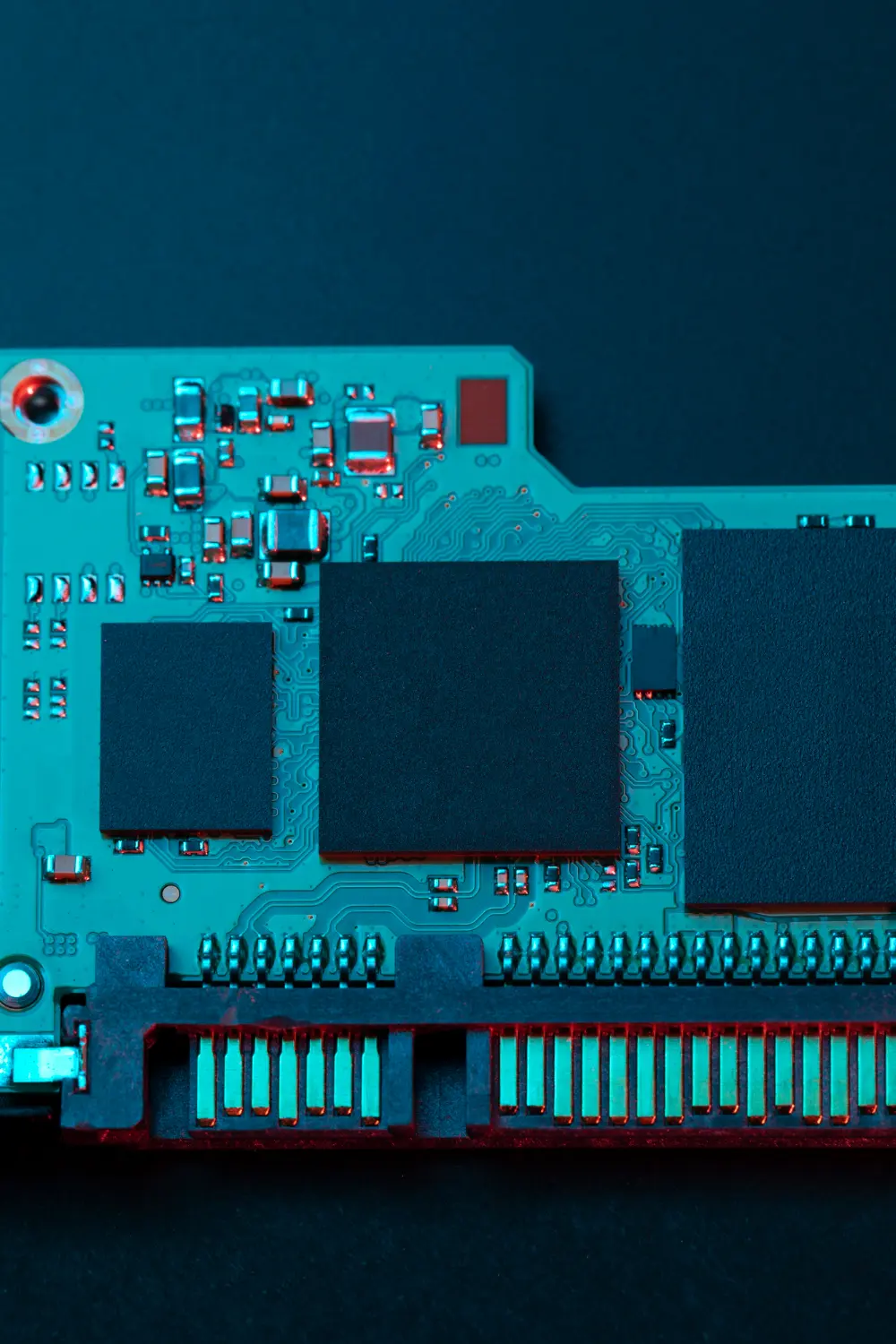
A PIC microcontroller is a small, self-contained chip that runs a program you write, reads inputs from sensors or buttons, and controls outputs like LEDs, motors, or displays. It is one of the most widely used chips in embedded systems and has been at the heart of diy microcontroller projects for decades.
If you are exploring embedded systems projects or looking beyond Arduino, understanding the PIC is worth your time.
What Makes a PIC Microcontroller Different
PIC chips are made by Microchip Technology and come in dozens of variants covering everything from 8-pin low-power chips to 100-pin devices with advanced peripherals.
The architecture is efficient and designed to run reliably in real hardware products, which is why you find PICs in automotive systems, medical devices, industrial controls, and consumer electronics. They run on low power, tolerate a wide voltage range, and are built to keep working in conditions that would stress less rugged chips.
Compared to Arduino vs PIC in terms of raw flexibility, the PIC gives you more direct hardware control. There is no abstraction layer between your code and the chip peripherals, which means you can push the hardware to its limits when you need to. The tradeoff is a steeper learning curve, especially around how to program a pic microcontroller using MPLAB X and the XC8 compiler compared to the simpler Arduino IDE.
For most pic microcontroller projects, you will use a programmer like the PICkit 4 to load your compiled code onto the chip. The programmer connects to a five-pin ICSP header on your circuit and communicates with MPLAB X on your computer. Once your code is loaded, the chip runs independently, no computer required.
How to Get Started with PIC Microcontroller Projects
Start with the PIC16F877A or the PIC18F4550, both of which are well-documented and widely used in tutorials. Set up MPLAB X IDE and the XC8 compiler, both of which are free downloads from Microchip.
Your first project should be an LED blink. It is the equivalent of “hello world” for embedded systems projects, and it confirms that your programmer, your chip, and your toolchain are all working together. From there, you can move into reading buttons, driving displays, using timers, and communicating over UART or I2C.
The PIC has a large community and decades of application notes from Microchip, so finding answers to specific questions is straightforward once you know what you are looking at.