
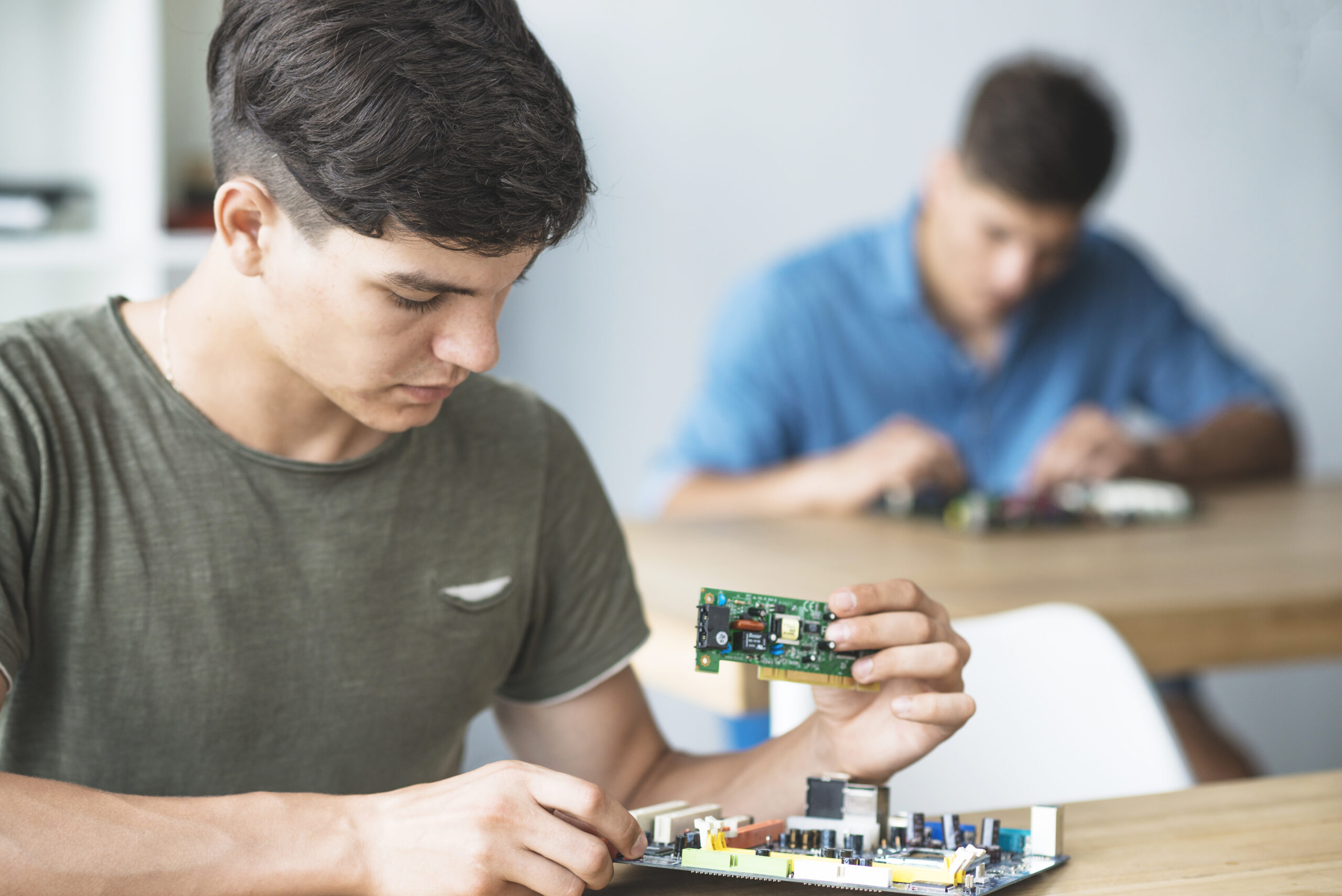
Arduino projects are where most electronics builders get their first real taste of embedded systems. The board is cheap, the community is massive, and the barrier to getting started is genuinely low.
But the real value is not just in the board itself. It is in what you learn by building. Every project here teaches you something that applies far beyond Arduino, from reading sensors and writing logic to understanding how breadboard wiring and component placement affect your results.
This list covers projects across three skill levels. Start wherever fits your experience, and work your way up.
Why Arduino Is the Best Starting Point for DIY Electronics Projects
The Arduino platform is built around a simple idea: give beginners access to real microcontroller hardware without making them learn assembly language, memory maps, or complex toolchains first.
You write code in a simplified version of C/C++, upload it with one click, and the board handles the rest. Pins are clearly labeled, the IDE is straightforward, and the community has already solved most of the problems you will run into.
For electronics projects for beginners, that combination of accessible hardware and a massive library of reference material makes Arduino the obvious starting point. Once you understand how to use a breadboard alongside your Arduino, you can prototype circuits quickly, test ideas, and build with confidence.
Beginner Arduino Projects
These projects require minimal components and introduce the foundational concepts you will use in every build that follows.
1. LED Blink
The classic first project. You connect an LED and a resistor to one of the digital output pins, write a loop that turns the pin on and off with a delay, and watch it blink. Simple, but it proves your setup works and teaches you how the digital output system functions.
Components needed: Arduino board, LED, 220-ohm resistor, breadboard, jumper wires.
2. Button-Controlled LED
This one adds an input. Wire a push button to a digital input pin and modify your code to turn the LED on only when the button is pressed. You will learn about pull-up resistors, reading digital states, and writing conditional logic in your sketch.
Components needed: Arduino, LED, resistor, push button, breadboard, jumper wires.
3. RGB LED Color Mixer
An RGB LED has three separate light emitters inside one package: red, green, and blue. By writing different values to each channel, you can produce a wide range of colors. This project introduces PWM output, which you will use again in motor control and many other diy electronics projects.
Components needed: Arduino, RGB LED, three 220-ohm resistors, breadboard, jumper wires.
4. Serial Monitor Temperature Sensor
Wire a TMP36 analog temperature sensor to an analog input pin. Your code reads the voltage, converts it to a temperature value, and prints it to the Serial Monitor in the Arduino IDE. This teaches you analog input, math in code, and how to use the serial interface for debugging. It is a skill you will rely on constantly.
Components needed: Arduino, TMP36 sensor, breadboard, jumper wires.
Intermediate Arduino Projects
These projects combine multiple concepts and introduce new components. They take more time but produce results that are genuinely satisfying to show off.
5. LCD Display Clock
Connect a 16×2 LCD screen to your Arduino and display a running clock. You will use the LiquidCrystal library, learn how to format output text, and optionally add a real-time clock module like the DS3231 for accurate timekeeping. This is a great introduction to working with external libraries and I2C communication.
Components needed: Arduino, 16×2 LCD, 10k potentiometer, DS3231 RTC module, breadboard, jumper wires.
6. Ultrasonic Distance Sensor with LED Indicator
The HC-SR04 ultrasonic sensor sends out a sound pulse and measures how long it takes to bounce back. Your code converts that time into a distance reading. Add a row of LEDs that light up as objects get closer, and you have a parking sensor you built yourself. This project teaches timing functions, sensor calibration, and conditional LED control.
Components needed: Arduino, HC-SR04 sensor, five LEDs, five resistors, breadboard, jumper wires.
7. Servo Motor Controller
Servo motors rotate to a specific angle based on a signal from your Arduino. Wire one up and write code to sweep it from 0 to 180 degrees and back. Then add a potentiometer to control the angle manually. Servos appear in robotics, camera mounts, RC vehicles, and dozens of embedded systems projects, so understanding how they work is genuinely useful.
Components needed: Arduino, servo motor, 10k potentiometer, breadboard, jumper wires.
8. Moisture Sensor Plant Monitor
Connect a soil moisture sensor to an analog pin and set a threshold in your code. When the soil gets too dry, trigger a buzzer or LED alert. This is a practical project with a real use case, and it teaches you how to read analog sensors, set logic thresholds, and control output based on real-world conditions.
Components needed: Arduino, capacitive soil moisture sensor, LED or buzzer, breadboard, jumper wires.
9. IR Remote Controlled LED Strip
Use an infrared receiver module and a cheap TV remote to control an LED strip. Different button presses trigger different colors or patterns. This introduces IR signal decoding, working with the IRremote library, and writing switch-case logic in your code.
Components needed: Arduino, IR receiver module, IR remote, LED strip (5V), breadboard, jumper wires, transistor or MOSFET for driving the strip.
Advanced Arduino Projects
These builds involve more components, more complex code, and sometimes external libraries or communication protocols. They are satisfying to complete and genuinely impressive to explain.
10. Weather Station with OLED Display
Combine a DHT22 temperature and humidity sensor with a BMP280 barometric pressure sensor and display all three readings on a small OLED screen. Write code that formats the data cleanly and updates the display every few seconds. This is a substantial project that teaches you multi-sensor wiring, I2C communication, OLED libraries, and data formatting all at once.
Components needed: Arduino, DHT22 sensor, BMP280 sensor, 128×64 OLED display, breadboard, jumper wires.
11. Arduino-Controlled Robot Car
Build a simple two-wheel drive robot using DC motors, an L298N motor driver, and an HC-SR04 sensor for obstacle avoidance. Your code reads the sensor, decides whether to go forward, turn, or back up, and controls the motors accordingly. This project is where electronics and basic robotics concepts overlap, and it teaches you about motor driver ICs, PWM speed control, and autonomous decision logic.
Components needed: Arduino, L298N motor driver, two DC motors with wheels, HC-SR04 sensor, chassis, battery pack, breadboard or direct wiring.
12. Data Logger with SD Card
Use an SD card module to log sensor readings to a file that you can open on your computer later. Combine it with a real-time clock so each reading is timestamped, and you have a functional data logger. This teaches you SPI communication, file I/O in Arduino code, and how to structure data for later analysis.
Components needed: Arduino, SD card module, DS3231 RTC, any analog sensor, breadboard, jumper wires.
What to Learn Alongside Your Arduino Projects
Arduino skills transfer directly to other platforms. Once you understand how to wire sensors, write control logic, and read component datasheets, you will find that moving to raspberry pi projects or exploring PIC microcontrollers is far less intimidating than it looks.
Spend time learning how to use a breadboard well. It speeds up every prototyping session and reduces wiring errors significantly. When you are ready to make a project permanent, learning how to solder electronics is the logical next step. A soldered circuit is more reliable, more compact, and ready to live outside the breadboard.
The embedded systems projects here on the site are designed to build on each other. Start with the beginner list, and by the time you finish the advanced projects, you will have the skills and the confidence to design your own builds from scratch.